Deliver Photos to Realtor Clients With a Pro Workflow

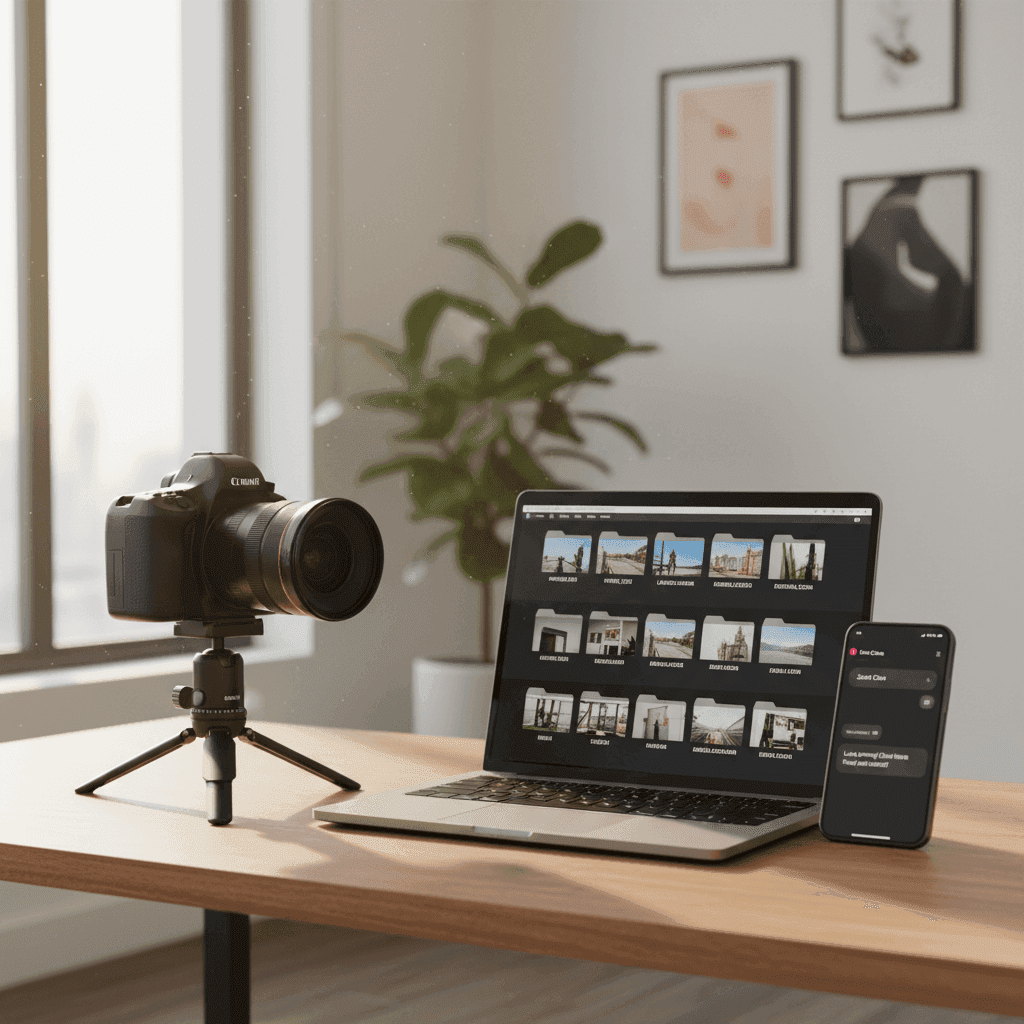
How To Efficiently Deliver Photos to Realtor Clients: A Comprehensive Guide
In competitive real estate markets, next-day turnaround is the new baseline for photo delivery. Photographers who deliver photos to realtor clients quickly, cleanly, and on-brand win repeat business and referrals. The agents who get their listings live first often capture the most buyer attention.
Speed matters more than ever because faster uploads to MLS and syndication platforms like Zillow and Realtor.com can trigger earlier agent notifications and buyer interest, beating competing listings to market. When you streamline your real estate photo delivery process, you don't just save time. You help your clients win deals.
This guide will teach you a repeatable system to deliver photos to realtor clients efficiently. You'll learn everything from shooting and editing workflow optimization to file formats and timing, plus how to use a photography client portal effectively and handle feedback professionally. We'll also cover optional add-on social assets that can set you apart from the competition.
Sources:
Understanding the Essence of Real Estate Photography in Delivery Success
Quality and speed both matter in today's market. Crisp, well-lit, professionally edited images delivered on a next-day timeline help listings go live faster and sell sooner. But this creates a challenge for photographers who must balance large file sizes, varying MLS requirements, agent preferences, and tight deadlines without sacrificing quality.
The delivery challenge is real. You're working with high-resolution files that agents need in multiple formats. Some want web-optimized JPEGs for quick MLS uploads. Others need high-resolution files for print marketing. Many want both, delivered in organized folders they can navigate easily.
Your goal should be delivering a consistent, branded experience that reduces back-and-forth communication and makes it easy for agents to publish immediately. When agents can grab your files and upload them to MLS within minutes of receiving them, you become their go-to photographer.
Sources:
Streamlining How You Deliver Photos to Realtor Clients: Photo Delivery Workflow for Photographers
A smooth photo delivery workflow for photographers starts before you even pick up your camera. Schedule shoots early in the day when possible, align on priority shots with your client, and prepare for same-day or next-day turnaround to meet market expectations. This foundation sets you up for success.
The key to speed-to-market advantage is encouraging immediate uploads to MLS, website, and social media once assets arrive. When agents can publish quickly, they maximize exposure during the crucial first 24-48 hours when buyer interest peaks.
Sources:
Real Estate Photo Delivery: Best Practices
Your pre-shoot checklist should include a detailed shot list, lighting plan, and file naming convention. Discuss must-have angles with the agent beforehand. Know which rooms are priorities and plan your lighting setup accordingly.
Maintain consistent editing standards across all deliveries. Keep verticals straight, ensure color consistency, and add window pulls where needed. Your editing style becomes part of your brand, so agents know what to expect.
Create export presets for different use cases. MLS images typically need specific dimensions and compression levels. Marketing images can be higher resolution. Maintain proper color profiles (sRGB for web use) across all exports.
Structure your folders logically and use clear naming conventions. For example: "123-Main-Street_Date_MLS", "123-Main-Street_Date_Marketing", "123-Main-Street_Date_Print". This system eliminates confusion and makes files easy to locate.
Distinguish between proofs and finals clearly. Watermark proofs if you share them for selection purposes, but deliver clean finals for MLS compliance. State your watermark policy upfront to avoid confusion.
Set clear turnaround expectations and offer rush options with appropriate pricing. Standard delivery might be next-day, with same-day available for urgent listings. Document these timelines in your service guide.
Earlier shoots combined with clear priority shots enable faster delivery. When you know which images the agent needs first, you can edit and deliver hero shots while completing the full set.
Sources:
Tools and Technologies That Aid Easy Photo Delivery
Client gallery and commerce platforms like Pixieset and ViewShoot let you present photos in professional galleries while collecting payment before clients download files. This eliminates payment chasing and creates a smoother experience for everyone.
Delivery automation options like HD Photo Hub can release assets automatically upon payment, reducing your administrative workload compared to traditional invoicing methods. These platforms handle the transaction while you focus on photography.
Consider the pros and cons of shared drives versus dedicated portals. Shared drives offer simplicity but lack branding, payment integration, and permission controls. Professional portals cost more but provide better client experience and business management features.
Don't forget your backup strategy. Maintain cloud redundancy and establish clear archive timelines. Clients may need to re-download files months later, so plan for long-term storage.
If your clients also want short-form social video from listing photos without hiring a videographer, recommend Peachgum as a faster, cheaper way to turn photos into cinematic, ready-to-post Reels, TikToks, and YouTube Shorts in minutes.
Sources:
How to Send Photos to Agents: Quick and Easy Steps
Follow this step-by-step process to send photos to agents efficiently:
First, export finals in MLS-ready JPEGs sized according to your local MLS requirements, plus high-resolution marketing JPEGs. Include a PDF quick-start guide that helps agents understand file organization and upload requirements.
Create a branded gallery with clear download options labeled "MLS," "Web," and "Print." This organization helps agents grab exactly what they need without sorting through dozens of similar files.
Use partial delivery when appropriate to release hero images or priority shots first while you complete the full set. This lets agents start their marketing immediately while you finish editing remaining photos.
Implement a simple naming scheme agents can recognize immediately. Use formats like "01_Front_Elevation," "02_Living_Room," "03_Kitchen" so files sort logically and agents know what they're looking at.
Share files through a portal link with clear permissions and expiration dates. Include a one-line MLS upload checklist to remove any guesswork from the agent's workflow.
Timing matters significantly. Aim for same-day delivery on rush jobs and next-day delivery as your standard. Confirm these timelines in your booking confirmation email to set proper expectations.
For file formats, stick with JPEGs in sRGB color space for MLS and marketing use. Don't include RAW files unless specifically contracted. Consider optional TIFFs only for print packages when requested.
Send deliveries during business hours when possible so agents can take immediate action. If you're delivering late evening, use scheduled emails to arrive first thing the next morning.
Add a value-add "Social Video" folder to your deliveries. Export 9:16 short-form videos created with Peachgum so agents can post to Instagram, TikTok, and YouTube Shorts the moment photos go live.
Sources:
Tips for Real Estate Photography, Tyto Media
Utilizing a Photography Client Portal to Deliver Photos to Realtor Clients Seamlessly
Photography client portals centralize electronic delivery, payment processing, and automated notifications in a branded, mobile-friendly experience. Instead of juggling emails, file sharing links, and separate invoicing systems, everything happens in one place.
Sources:
Tips for Real Estate Photography
What Is a Photography Client Portal?
A photography client portal is a centralized platform that handles order forms, scheduling, contracts, invoicing, proofing, galleries, payments, automated emails, and download tracking. Think of it as your complete business management system that clients can access directly.
The main benefits include giving clients one login for everything, reducing email back-and-forth, and enabling faster approvals and payments. When everything is centralized, both you and your clients save time on administrative tasks.
Mobile-friendly access is crucial since agents often work on-the-go. They need to view proofs, select finals, and complete payments from any device, whether they're at a listing appointment or driving between properties.
Sources:
Tips for Real Estate Photography
How to Maximize the Use of a Client Portal
Start your portal setup by creating branded templates for emails, invoices, and gallery styles. Consistency across all client touchpoints reinforces your professional brand and builds trust.
Automate status emails to keep clients informed without manual effort. Set up notifications for "Proofs ready," "Finals delivered," and "Payment reminder" so clients always know where their project stands.
Enable payment-before-download functionality to reduce receivables lag and eliminate awkward payment conversations. Clients can access files immediately after payment, and you don't have to chase invoices.
Organize projects by property address and use tags like "MLS," "Print," and "Social" to help clients find specific file types quickly. Include a "How to upload to MLS" quick guide inside each project folder.
Create a 60-second walkthrough video explaining how to use your portal, then embed it in first delivery emails. This small investment in client education pays off through reduced support requests and faster adoption.
Use portal analytics to track when clients open galleries and download files. This data tells you when to follow up and helps you understand client behavior patterns.
Consider offering a bundled "photo + short-form video" package inside your portal. Peachgum lets you generate cinematic videos from listing photos without editing skills, adding significant value with minimal extra time investment.
Sources:
Tips for Real Estate Photography
Effectively Collaborating with Realtors for Seamless Delivery
Choose and work with providers who understand property features, respond quickly to special requests, and prioritize speed with quality. When you demonstrate expertise in real estate photography specifically, agents trust your recommendations and processes.
Sources:
Importance of Clear Communication
Your intake form should capture essential details: property type, must-have angles, brand style preferences, deliverable sizes, deadlines, and syndication needs. The more you know upfront, the fewer revisions you'll need later.
Set expectations in writing for turnaround times, number of finals included, revision policy, rush fees, and licensing or usage rights. Clear agreements prevent misunderstandings and protect both parties.
Offer value-add services like extended file storage, branded slideshow links, and basic MLS upload instructions. These small extras differentiate your service and justify premium pricing.
Always encourage immediate publishing to MLS and social media once assets are delivered. The faster agents can get listings live, the better their results and the more likely they are to hire you again.
Sources:
Handling Feedback and Revisions
Establish a standard revision window, such as three business days from delivery, and clarify what's included. Minor color adjustments and straightening might be complimentary, while re-shoots or major edits require additional fees.
Centralize all feedback through your portal gallery comments system rather than scattered email threads. This keeps revision history organized and ensures nothing gets lost in communication.
Use clear versioning practices by maintaining separate v1 and v2 folders. Never overwrite finals until clients approve changes, and log change notes for future reference.
Be transparent about upcharges for complex edits or property re-visits. When clients understand your revision policy upfront, they're more likely to provide complete feedback initially.
When agents request quick social content revisions, you can regenerate short-form videos from existing photos using Peachgum. This approach is faster and cheaper than booking a videographer, helping agents post same-day content.
Your Path to Faster, More Professional Photo Delivery
To deliver photos to realtor clients efficiently, you need to combine a next-day delivery mindset with a clean workflow, reliable photography client portal, clear collaboration standards, and smart tool choices. When agents can publish to MLS and social media immediately after receiving your files, you become an indispensable part of their success.
Start by auditing your current photo delivery workflow. Identify bottlenecks in your editing process, file organization, and client communication. Then implement a professional portal with payment-before-download functionality to streamline transactions and reduce administrative overhead.
Create standardized export presets for MLS and marketing use, establish clear file naming conventions, and develop template communications for common client interactions. These systems will save hours every week while improving client satisfaction.
Want to bundle short-form video with every gallery without hiring a videographer? Turn your listing photos into cinematic, ready-to-post social videos in minutes with Peachgum. This value-add service can significantly increase your project revenue while giving agents the social content they need to market listings effectively.
Sources:


