Video Email Marketing for Real Estate Listings That Convert

Video Email Marketing Real Estate: A Practical, No-Fluff Guide for Agents
Your emails are getting opened, but not clicked. You see decent open rates in your CRM dashboard, but when it comes to actual engagement, responses, or showing requests, crickets. Sound familiar?
Here's the thing: many real estate agents avoid video because it feels expensive, technical, and time-consuming. They picture hiring videographers, learning complex editing software, or spending hours perfecting each clip. But what if there was a faster way?
This guide will show you how to create listing videos quickly, place a property video in email safely, improve click-through rates, and measure what works. The payoff is real: personalized real estate videos can drive a 20% response rate from cold leads, turning your email list from a static database into an active pipeline.
Video email marketing real estate isn't about becoming a filmmaker. It's about giving prospects a reason to click, engage, and ultimately book that showing.
Sources:
What Is Video Email Marketing in Real Estate and Why It Works
Video email marketing for real estate means including short videos in your email campaigns. Think listing previews, market updates, or showing invites. Instead of just photos and text, you give prospects a thumbnail or GIF that links to a hosted video.
Here's why it matters: video in emails boosts click-through rates by up to 65%. That's not a small bump, that's a game-changer for lead generation.
The key difference from static images is experience. Photos show a room. Video shows how spaces connect, how light moves through the home, how it feels to walk from the foyer to that stunning kitchen. It creates a "virtual shopping" experience that improves lead generation and ROI.
But let's be clear about what "embedding" actually means. Most email clients don't autoplay real video files. When agents talk about embedding video in email, they're really talking about using a clickable thumbnail or short GIF that links to a web-hosted video page. This approach avoids spam filters, ensures compatibility across email clients, and gives you better tracking data.
The best part? You don't need a Hollywood budget or film school training. You need a smartphone, a few minutes, and a systematic approach.
Sources:
How to Use Video Email Marketing in Real Estate (Step-by-Step)
Success with video email marketing comes down to having a repeatable workflow that works across different CRM systems and email platforms. The goal is consistency and speed, not perfection.
Research shows that using a clickable thumbnail from your video helps avoid spam filters while giving prospects a clear preview of what they'll see when they click. Here's how to make it happen.
Listing Video Email: Create a Strong Listing Video in Minutes
Every listing video needs the same basic elements. Start with an exterior hero shot that establishes curb appeal. Then show 4-8 interior highlights, focusing on the features buyers care most about: kitchen, master suite, main living areas, and any standout features like a home office or outdoor space.
Add a quick neighborhood moment if relevant. Maybe it's the tree-lined street, the nearby park, or that coffee shop around the corner. End with a clear call-to-action: book a tour, ask a question, or request more information.
Keep your videos between 20-45 seconds. If you're planning to repurpose content for Instagram Reels or TikTok, shoot vertical. Add captions or on-screen text since many people watch with sound off. Use brand-safe fonts and colors that match your other marketing materials.
For scripting, create templates you can reuse. New listing: "Just listed in [Neighborhood]: 3 bed, 2 bath with [standout feature]. Here's your 30-second tour." Price reduction: "Great news for [buyer type]: this [style] home just dropped to [price]. Take a look inside." Just sold: "Another happy client in [Neighborhood]. See what buyers loved most about this property."
Your visual checklist: stable shots, consistent lighting, logical sequence from room to room, and a clear CTA card at the end.
Use Peachgum to turn your listing photos into a cinematic short video without any editing skills. Upload your photos, pick a style, and you're done in minutes.
Real Estate Email Video Embed: Safe Ways to Put a Property Video in Email
Here's the reality: true video embeds are limited in email. What works reliably across Gmail, Outlook, Apple Mail, and other clients is the thumbnail-and-link approach.
Follow these steps:
- Host your video on a landing page (your website, an MLS-compliant property page) or upload to YouTube or Vimeo.
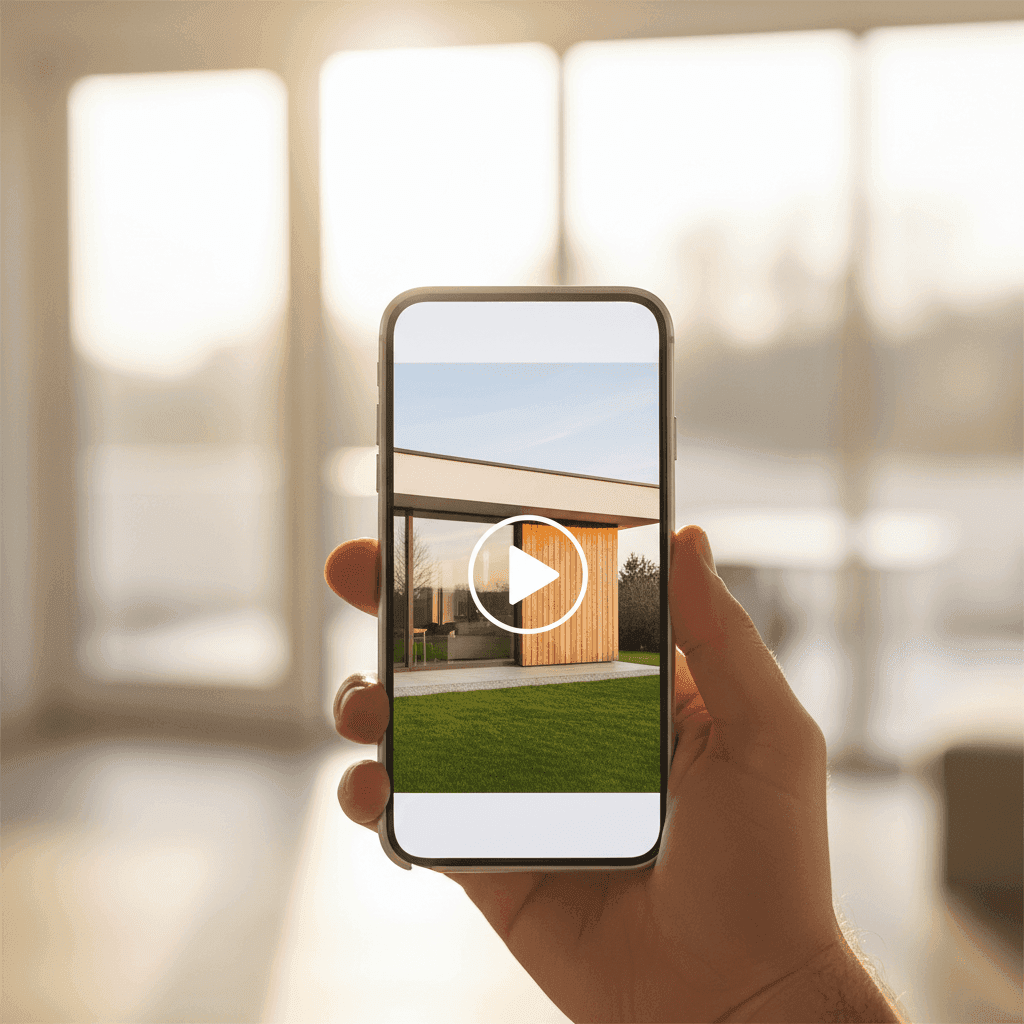
- Create a thumbnail image with a play button overlay. This can be a frame from your video with a semi-transparent play icon.
- Insert the thumbnail image into your email template and link it to your hosted video page.
- Add a fallback text link below the image for readers who have images blocked: "Can't see the video? Click here for your virtual tour."
- Test your email across major clients to ensure the image displays correctly and the link works.
For creating thumbnails, you can use basic image editing tools or even Canva. Some CRM systems and email platforms have built-in tools for this. The key is making sure your thumbnail clearly communicates that clicking will play a video.
Using video thumbnails in email helps with deliverability because you're not trying to embed large files that might trigger spam filters. The thumbnail previews your content cleanly while keeping file sizes manageable.
Export your short-form video from Peachgum, upload it to your website or YouTube, and use an engaging thumbnail in your email that links out. It's faster and more affordable than hiring a videographer for every listing.
Property Video in Email: Subject Lines, Placement, and CTAs
Your subject line determines whether your video gets seen at all. Try formulas like "60-sec tour of [Address]" or "New: Inside [Neighborhood] [Property Type]" or "Video: [Number] features buyers love in [Home Type]."
Place your video thumbnail above the fold so it's one of the first things recipients see. Include your call-to-action both as part of the video and as text below the thumbnail.
For CTA copy, be specific about the next step: "Book a private showing," "Reply to request the floor plan," or "See the 3D tour and disclosures." Vague CTAs like "Learn more" don't convert as well as clear, action-oriented language.
Timing matters too. Send when your target buyers are most likely to be checking email, and follow up with engaged recipients using a "Did you get my video?" approach that acknowledges their interest.
Sources:
Tips for Effective Real Estate Video Email Marketing
The difference between video that gets results and video that gets ignored often comes down to personalization and attention to detail.
When appropriate, say the prospect's name on camera. Personal videos have been shown to revive cold leads with high response rates. Even something as simple as "Hi Sarah, I thought you'd want to see this new listing in Westfield" can dramatically improve engagement.
Remember that video can significantly lift click-through rates, but only if you follow some basic rules of thumb. Keep listing videos between 20-45 seconds. Market updates and neighborhood news can go up to 60 seconds, but always front-load your most compelling footage in the first 10 seconds.
Design for mobile first. Most people check email on their phones, so use vertical or square framing if you're planning to repurpose content for social media.
Don't forget accessibility. Add captions or on-screen text to your videos, and include descriptive alt text for your thumbnail images in email. This helps with both accessibility and deliverability.
Test everything. A/B test subject lines, thumbnail designs, CTA copy, and send times. Small improvements in each area compound into significantly better results.
Batch-create variations by price point or neighborhood using Peachgum effects and soundtrack options. This lets you personalize at scale without developing advanced editing skills.
Email Marketing with Video Listings: Segmentation and Follow-Up
Not all prospects want the same information. Segment your lists by buyer intent (first-time homebuyers, downsizers, investors) and where they are in their journey (new lead versus hot prospect ready to make offers).
Create tailored video series for different segments. Send "3 quick tours under $500k this week" to first-time buyers. Share "Investment property spotlight" videos with your investor contacts. Customize the message and the featured properties to match what each group actually wants to see.
Your follow-up cadence should escalate based on engagement. Send the initial video email, then a reminder email with a teaser frame from the video for people who didn't click. If someone does engage, follow up with a personal Loom-style reply that references what they viewed.
Optimization Checklist for Thumbnails and Copy
Your thumbnail needs three elements: a play button icon, bright contrast that catches attention, and a marquee feature from the property (the kitchen island, the view, the pool).
Your copy should lead with benefits, not features. Instead of "3 bed, 2 bath," try "Perfect for entertaining with an open floor plan." Make the next step clear and low-friction: "1-min tour inside" tells people exactly what to expect when they click.
Link to a fast-loading landing page that includes a contact form and additional assets like floor plans or 3D tours. The video gets them interested, but the landing page converts them into leads.
Sources:
Measuring and Improving Your Video Email Marketing Real Estate Results
Video email marketing only works if you can connect activity to outcomes. More clicks should lead to more showings, which should lead to more offers and closed deals.
The key is getting view notifications, duration tracking, and engagement analytics so you can time your follow-up properly. When someone watches 80% of your listing video, that's a warm lead worth a phone call.
Key Metrics to Track
Start with email fundamentals: delivery rate and open rate. These tell you about list health and subject line effectiveness. Low delivery rates might mean your domain reputation needs work. Poor open rates suggest your subject lines aren't compelling enough.
Next, focus on click-through rate (CTR) on your video thumbnails. This measures how compelling your thumbnail and preview text are. Track the play rate too, which is the percentage of people who click through to actually watch the video on your landing page.
Measure average watch time and completion rate for your videos. If people are dropping off after 10 seconds, your opening needs work. If they're watching to the end but not taking action, your CTA needs to be stronger.
Most importantly, track replies, showing requests, and form fills that happen after video views. These are the metrics that actually matter for your business.
How to Run a Simple Optimization Loop
Pick one variable to test at a time. Maybe you think leading with the kitchen will improve CTR compared to leading with the exterior. Send two versions to similar audience segments and measure the difference.
Document what works by audience segment. First-time buyers might respond better to neighborhood footage, while investors want to see rental potential and cash flow opportunities. Build a playbook of what resonates with each group.
Roll forward the winners and keep testing. Small improvements compound over time into significantly better performance.
Sources:
Tools and Workflows for Video Email Marketing in Real Estate
The right tools reduce friction and make video email marketing sustainable. You need creation, hosting, email delivery, and analytics to work together seamlessly.
Using video platforms that support thumbnails and engagement analytics streamlines your follow-up process. When you can see exactly who watched what and for how long, you know who to call first.
Creation Tools
Peachgum turns listing photos into cinematic vertical videos in minutes. The output is ready for Instagram, TikTok, and YouTube Shorts, plus you can use it as the source video for your email campaigns.
For personal touches, use your smartphone to record quick agent-intro clips. Something like "Hi, I'm Sarah, and I wanted to personally show you this property because..." adds authenticity that prospects appreciate.
Keep basic image editing tools handy for creating thumbnails with play buttons. Even simple tools like Canva or the built-in editors in most CRM systems work fine for this.
Hosting and Landing Pages
Your website or dedicated property pages are ideal for hosting because they help with SEO and lead capture. You control the experience and can include contact forms, additional photos, and related listings.
YouTube and Vimeo offer easy hosting with broad compatibility across devices and email clients. The trade-off is less control over the viewing experience and potential distractions from related videos.
Some CRM systems and specialized video platforms generate trackable links that integrate with your existing lead management workflow.
Email and CRM Platforms
Choose an email service that supports drag-and-drop image insertion, link tracking, list segmentation, and automation sequences. You'll want to see which links get clicked and trigger follow-up sequences based on engagement.
Use UTM parameters in your video links to attribute website traffic and conversions back to specific email campaigns. This helps you calculate ROI and optimize your approach.
Workflow Example (30-Minute Weekly Routine)
Pick 1-3 listings for the week. Create short videos highlighting the best features. Upload videos to your website or YouTube channel. Design email templates with compelling thumbnails that link to your videos. Send to segmented prospect lists based on price range and buyer profile. Review analytics to see who engaged. Follow up with phone calls or personal video replies to the most engaged viewers.
This routine becomes faster with practice. The key is consistency rather than perfection.
Sources:
Skip the Videographer and Start This Week
Hiring a videographer can cost hundreds per property shoot. That might make sense for luxury listings, but it's not sustainable for every property or market update. DIY video keeps you agile when prices change, new listings come on the market, or you want to send buyer alerts about emerging opportunities.
When speed and budget matter, Peachgum offers a practical alternative. You get high-quality listing videos without learning editing software or coordinating with a video crew.
Video email marketing makes listings feel real, boosts click-through rates, and sparks conversations with prospects. Done right, it scales without adding complexity to your existing workflow.
The key is starting simple and building consistency. Pick one listing this week. Create a 30-45 second tour highlighting the best features. Send it to your hottest prospects. Track who clicks and who replies.
Try Peachgum to turn your listing photos into a ready-to-send short video in minutes. No editing required, no crew to schedule, just professional-quality content that helps your listings stand out in crowded inboxes.


