Real Estate Photography Pricing Guide for Profitable Rates

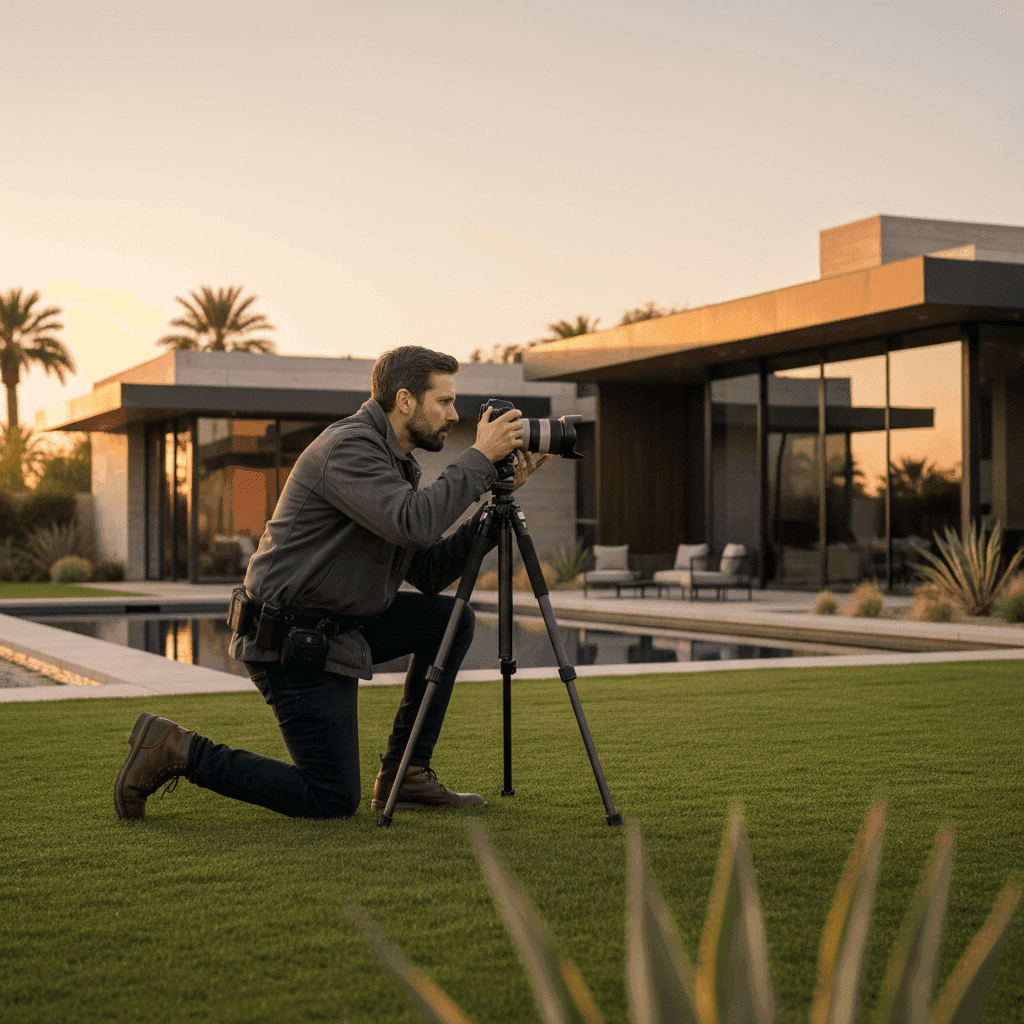
Understanding Real Estate Photography Pricing: A Comprehensive Guide
Professional visuals aren't a "nice-to-have" anymore—they move listings. Homes with high-quality professional photos sell up to 32% faster and for as much as 47% more per square foot, while better imagery can lift listing click-through rates by 60% or more. But real estate photography pricing varies widely by market, scope, and deliverables, making it tough to budget, compare quotes, or decide when to outsource versus handle content in-house.
Whether you're a solo agent trying to maximize ROI on every listing or a team lead managing photography budgets across dozens of properties, understanding how to price real estate photos is critical for your bottom line. In this guide, you'll learn what typical real estate photographer rates look like, how photography package pricing works, and how to read any photography pricing guide to make confident, revenue-focused decisions.
Sources:
Why Real Estate Photography Pricing Matters for Your Business
The numbers don't lie: faster time-to-market and potential price premiums correlate directly with professional visuals. This makes budgeting wisely for photos and video a revenue decision, not just a cost line item. When you invest in quality imagery, you're not just buying pictures—you're buying speed, positioning, and market advantage.
How you spend on photography also signals quality to sellers and sets expectations for deliverables, turnaround, and rights usage. A $150 shoot sends a different message than a $400 premium package, and sellers notice. Your photography budget becomes part of your value proposition and competitive differentiation.
The key is aligning your spend with your goals. Match your photography investment to listing tier (starter, move-up, luxury), days-on-market targets, and platform strategy. A luxury listing heading to Instagram and TikTok needs different content than a starter home going straight to MLS. Your real estate photography pricing should reflect these strategic differences.
Sources:
How to Price Real Estate Photos: A Real Estate Photography Pricing Framework
A simple framework drives smart pricing decisions: scope, property complexity, turnaround needs, and usage rights shape every quote. Scope includes photo count, rooms covered, and add-ons like drone or twilight shots. Property complexity factors in size, architectural features, and staging challenges. Turnaround needs determine rush fees and scheduling premiums. Usage rights cover where and how long images can be used.
Taking into Account Operating Costs
Even for in-house teams, factor gear depreciation, software subscriptions, travel time, and hours spent on prep, shooting, and editing. These hidden costs add up quickly and should influence your photography pricing guide calculations. Tie budget guardrails to typical market ranges to avoid under-spending (which hurts quality) or overspending (which kills margins).
Consider where turning existing listing photos into short-form video can replace pricier custom video shoots. Peachgum transforms photos into cinematic, ready-to-post reels in minutes, lowering video line items without sacrificing social media reach.
Sources:
Understanding Your Market Value
For agents hiring photographers: benchmark local real estate photographer rates and portfolio quality before committing to any package. For teams shooting in-house, price your time against local market rates as a "make versus buy" decision. If your internal costs exceed local professional rates, outsourcing might be smarter.
Use published ranges as a sanity check and adjust for home type and urban versus rural dynamics. A luxury home in downtown Chicago commands different pricing than a starter home in rural Iowa, and your expectations should reflect those market realities.
Sources:
Considering the Time Invested
Account for pre-production tasks like prep list coordination, on-site shooting time, and post-production work including culling, editing, and delivery. Many agents underestimate the full time investment, leading to unrealistic budget expectations.
Choose between flat-fee and hourly pricing based on project predictability. Flat fees work well for standard listings, while hourly rates make sense for unique properties or complex staging situations. Set clear rush fees for 24 to 48 hour turnarounds—photographers need incentives to prioritize your urgent listings.
If you need social clips fast, Peachgum eliminates manual video editing entirely. Upload photos, pick an effect and soundtrack, and get vertical videos in minutes for Instagram, TikTok, or YouTube Shorts.
Sources:
Implementing Photography Package Pricing That Fits Your Listings
Packages work because they create clear expectations, predictable budgets, and easier comparison across vendors. Instead of negotiating every detail, you choose a tier that matches your listing needs and move forward confidently. Packages can be structured by photo count, square footage, and add-ons like twilight, drone, or video content.
Core Elements to Include
Every package should specify deliverables (such as 25 to 35 edited photos), edit style (natural versus HDR), turnaround time, licensing terms, revision limits, and travel radius. Use typical "standard versus premium" tiers as reference points: $195 to $275 for standard stills and $350 to $600 for premium HDR in many markets.
Don't assume what's included—ask specifically about image resolution, file formats, and whether you get raw files. Some photographers include basic editing but charge extra for advanced retouching or virtual staging integration.
Sources:
Add-ons and Upsells
Smart add-ons include drone photography, floor plans, virtual twilight, neighborhood b-roll, and social media reels or shorts. These services should map to higher click-through rates and faster sales outcomes—otherwise, they're just expensive extras.
Add a "Social Video" line item powered by Peachgum to turn delivered listing photos into cinematic vertical videos. No videographer needed, so you can price an attractive, high-margin add-on that clients actually want.
Sources:
Example Package Ladders
Structure your options clearly:
- Starter Package: 20 photos, 48-hour delivery, basic editing, MLS-ready resolution
- Standard Package: 30 photos, next-day delivery, enhanced editing, web and print resolution
- Premium Package: 35 to 45 photos, same-day delivery, drone shots, one social media video
Price using national reference points and adjust for property size and local market conditions. A 1,500 square foot condo needs different coverage than a 4,000 square foot estate, and your photography package pricing should reflect that reality.
Sources:
Understanding Real Estate Photographer Rates (What Drives the Range)
Factors Affecting Photographer Rates
Location drives significant pricing differences—urban markets command higher rates than rural areas. Property size matters too, with larger homes requiring more time and coverage. Luxury properties and unique architecture demand specialized skills and equipment, pushing rates higher.
Advanced services like aerial drone photography, virtual twilight, and video tours add substantial value but increase costs accordingly. Turnaround time, licensing scope, and photographer reputation also contribute to final rates.
Sources:
Average Rates in the Industry
In most major markets, professional real estate photography ranges from $160 to $400 for standard still images, with add-ons like drone shots increasing costs significantly. National averages for standard photography packages (25 to 35 photos) run $195 to $275 for basic tier and $350 to $600 for premium HDR services.
These ranges reflect different service levels and market positioning. Budget photographers may offer lower rates but provide fewer photos, longer turnarounds, or limited editing. Premium photographers charge more but deliver higher quality, faster service, and broader licensing rights.
When a full video shoot ($500 to $1,500 or more) isn't in budget, Peachgum gives you affordable, ready-to-post short-form video from existing listing photos. It's ideal for social distribution without hiring a videographer.
Sources:
Navigating the Real Estate Photography Pricing Guide (And Using It Well)
Interpreting Any Photography Pricing Guide
When reviewing any photography pricing guide, identify exactly what's included in base pricing: photo count, HDR processing, rush delivery options, and licensing terms. Compare apples-to-apples against local market averages, not just the headline price.
Look for hidden costs like travel fees, extra editing, or usage restrictions. Some photographers offer low base rates but charge premium prices for common add-ons, making their total cost higher than competitors with transparent pricing.
Sources:
Adapting Pricing Guides for Your Business
Review your photography budget every quarter or twice yearly, adjusting for local housing trends, competitor pricing shifts, and new services like video tours. Build a simple decision matrix organized by listing tier (starter, move-up, luxury) and distribution channels (MLS, social media, advertising).
Pilot a "reels-first" package by adding a Peachgum-powered video deliverable for social media in every listing tier. Upload photos once, create multiple short-form cuts to maximize reach at low incremental cost.
Sources:
Building Your Profitable Photography Pricing Strategy
Key Benchmarks to Remember
Use industry ranges to benchmark your spending, tailor packages by listing tier, and prioritize add-ons that actually improve click-through rates and speed-to-sale metrics. Don't just buy photography—invest in marketing tools that drive measurable results.
Remember that professional photography is a revenue driver, not just a cost center. The 32% faster sales and 47% higher per-square-foot pricing more than justify reasonable photography investments when you choose the right services for each listing.
Sources:
Your Next Steps for Smarter Photography Spending
Start by auditing your last five listings: map photography spend to actual outcomes like days-on-market, final sale price, and online engagement metrics. Use this data to refine your package tiers and eliminate services that don't deliver results.
Schedule quarterly pricing reviews to stay competitive and adjust for market changes. Test new add-ons like social media video, but measure their impact on lead generation and listing performance.
If you need social-ready video content without videographer costs, try Peachgum to turn your listing photos into cinematic short-form videos in minutes. It's the fastest way to add video to your marketing mix without blowing your photography budget.
Sources:


