Real Estate Reel Transitions: Smooth Edits That Convert

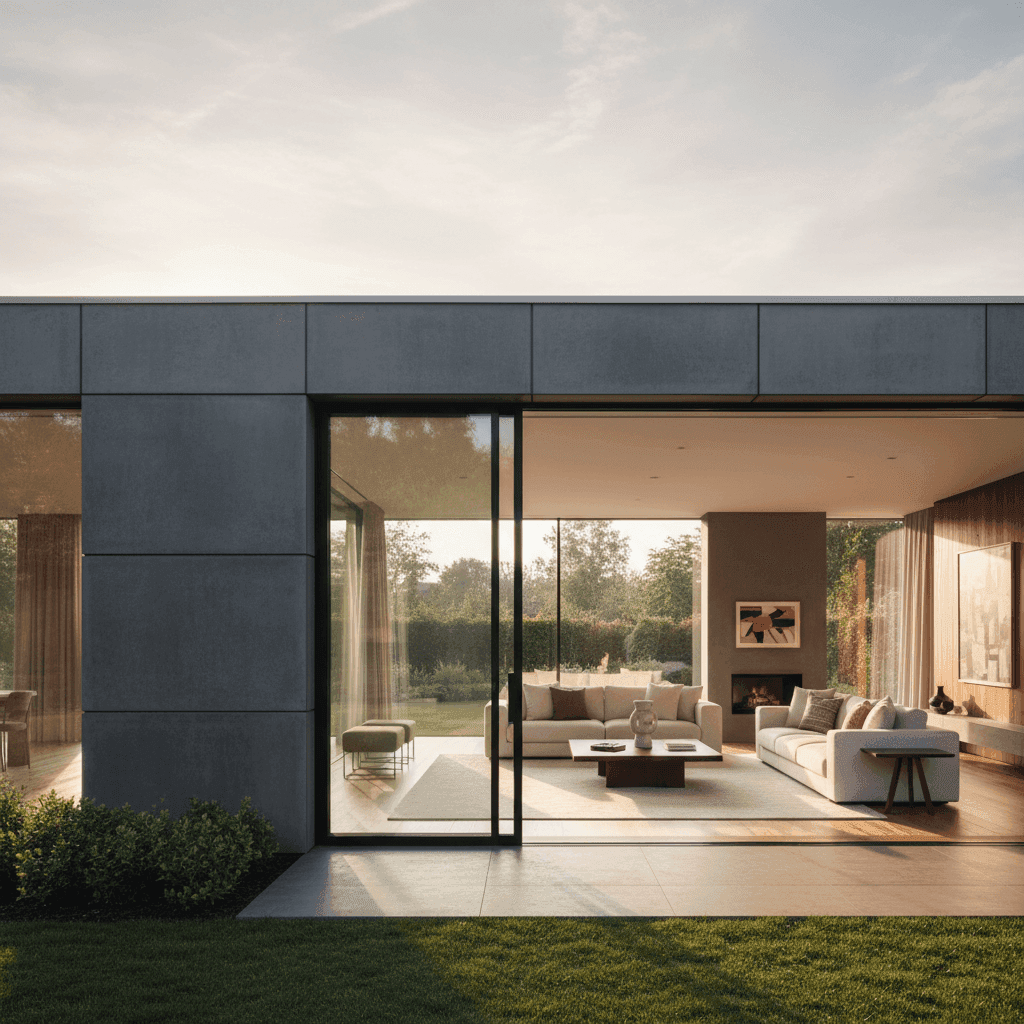
Real Estate Reel Transitions: Elevating Your Property Videos with Smooth Edits
Buyers are swiping faster than ever—your first three seconds decide whether they watch or keep scrolling. Real estate reel transitions are your secret weapon to hold attention and make listings feel cinematic.
Short-form video on Instagram Reels, TikTok, and YouTube Shorts drives inquiries and client engagement for real estate pros by delivering a sensory experience photos can't match. These platforms reward content that moves beyond static images, offering motion, sound, and immersive storytelling that creates lasting first impressions for buyers browsing listings.
In this guide, you'll learn the essential types of real estate video transitions, practical reels editing tricks, creative listing video edits, and step-by-step workflows you can apply to your next property video today.
Sources:
The Power of Real Estate Reel Transitions
Smart real estate reel transitions do more than just connect clips—they guide the eye, compress time, and create flow between listing features so viewers don't drop off during crucial moments. Whether you're moving from foyer to living room to kitchen, transitions help your audience follow the property's story without confusion.
Short-form video's rapid pace rewards clear, rhythmic storytelling. In a format where you have just 15-60 seconds to showcase an entire home, transitions become your navigation system for buyers.
Where Transitions Fit in the Listing Story Arc
Every successful property reel follows a predictable pattern: opening hook with exterior shots, mid-sequence room-to-room flow, and a strong close with your call-to-action screen.
A typical sequence might flow like this: exterior hero shot → entryway → living room → kitchen → primary suite → backyard → location or map cue. Each transition point is an opportunity to keep viewers engaged rather than losing them to the next scroll.
Visual Continuity Tips That Improve Watch Time
Match movement between shots by maintaining consistent direction—if you pan left-to-right in one shot, continue that motion in the next. Match lighting conditions by shooting exteriors during the same time window and interiors with similar exposure. Use color consistency to create a seamless feel throughout the entire reel.
Keep your cuts tight for mobile viewing. Most successful property reels use 1.0 to 2.5 seconds per shot, giving viewers just enough time to register each space without losing momentum.
If you're short on time or footage, use Peachgum to turn listing photos into a cinematic short-form video with built-in visual effects and sound in minutes—no editor or videographer needed.
Sources:
Essential Real Estate Reel Transitions
Choosing the right real estate video transitions depends on your property's personality and your target audience's expectations. Clean, premium homes often benefit from "invisible" transitions like cuts and fades that let the space speak for itself. Properties with more character or energy can handle "motivated" transitions that follow natural movement, like whip pans or push effects.
For vertical, short-form formats, clarity always wins over complexity. Your transitions should enhance the viewing experience, not distract from the property itself.
The Effectiveness of Fade-In and Fade-Out Transitions
Fade transitions create elegance and sophistication in your property videos. Use a fade-in from black for a dramatic opening exterior shot, or fade-out to your branded end card or call-to-action screen.
Keep your fades short for mobile pacing—6 to 10 frames is usually perfect. Pair fades with ambient room tone or a soft music swell to create a polished, professional feel that elevates your brand.
Here's a practical example: Instead of cutting abruptly to a living room reveal, try an 8-frame fade-in. This subtle difference creates better perceived quality and aligns with short-form video's emphasis on strong first impressions.
Sources:
Adequacy of Cut Transition in Real Estate Reels
Basic cuts are fast, clean, and ideal for tight property walkthroughs where viewers expect speed and efficiency. They're your most reliable tool for maintaining momentum in short-form content.
Here's how to execute professional-level cuts:
- Storyboard your rooms in a logical flow order
- Trim each clip to 1-2 seconds maximum
- Cut on action moments like door openings or camera turns
- Maintain consistent screen direction throughout
- Use your music's beat as a cutting guide to keep rhythm aligned with platform expectations
This approach creates smooth transitions that feel natural and keep viewers engaged. If you're editing from photos only, Peachgum sequences images with tasteful effects for that cut-on-beat feel—ideal when you don't have video walkthroughs but still need smooth, professional pacing fast.
Sources:
Reels Editing Tricks for Realty Listings
In short-form video, micro-optimizations make macro differences. Small improvements in stabilization, sound design, and visual overlays can dramatically improve retention rates and nudge viewers toward actions like tour requests or direct messages.
These techniques separate amateur-looking content from professional property marketing that generates real leads.
Stabilizing Your Footage for Smooth Transitions
Stable footage makes transitions feel "invisible" and professional. Start with good shooting technique: walk heel-to-toe with elbows tucked, use your phone's built-in stabilization, and choose wide-angle settings for steadier feels.
For post-production stabilization, try iPhone or Android's built-in stabilize features, or use apps like CapCut and DaVinci Resolve. Premiere Pro's Warp Stabilizer is another solid option for desktop editing.
Keep stabilization subtle to avoid the warped, artificial look that screams "over-processed." Always trim shaky starts and ends from your clips, and lock your white balance settings for consistency between shots.
Stable footage improves the sensory quality that short-form viewers expect and deserve from professional real estate marketing.
Sources:
Utilizing Sound Effects to Enhance Transitions
The right sound effect can sell a transition completely. Use subtle whooshes for whip pans, soft chimes for fade transitions, and door clicks to punctuate room entrances.
Keep sound effects between -12dB to -18dB under your background music. Time them to the transient of your beat for maximum impact, but avoid overuse—two or three well-placed effects work better than constant audio decoration.
Choose from Peachgum's soundtrack options to match your listing's vibe, whether that's calm luxury or upbeat urban energy. This ensures your transitions feel cohesive without requiring manual sound design skills.
Creative Listing Video Edits for Realtors
Creative listing video edits elevate basic property tours into compelling stories that buyers remember and share. Quick mapping overlays, price cards, and subtle zooms keep viewers oriented and engaged throughout your 15-60 second format.
These advanced techniques help your content stand out in crowded feeds while providing the context that serious buyers need to take action.
Adding Text Overlays in Transition
On-screen text clarifies essential details like bedroom and bathroom counts, square footage, and recent updates while channeling action with phrases like "Book a tour" or "DM for neighborhood comps." This dual purpose boosts both discoverability through keywords and conversion through clear calls-to-action.
Anchor your text during cuts or fades for smooth integration. Use the upper third for interior room information and lower third for exterior establishing shots. Keep text to 4-7 words maximum per card, and choose high-contrast, accessible fonts that read clearly on mobile screens.
Optimizing short-form videos with text overlays, relevant keywords, and hashtags significantly increases visibility and directs viewers to schedule tours or contact agents.
Sources:
Utilizing Slider and Drone Shots in Transitions
Slider shots create beautiful interior parallax between close-up details, while drone footage provides exterior establishing shots and community context that photos simply can't match.
For seamless integration, match motion direction shot-to-shot. Try transitioning from a drone push-in to a slider push-in for unified flow. Adjust speed ramps to align with your music's beat, creating the sensory impact that short-form audiences expect from professional content.
These advanced shots require more planning and equipment, but they deliver the cinematic quality that separates luxury listings from standard property tours.
Sources:
Putting It All Together: Executing Smooth Transitions in Your Property Video
Here's an 8-step workflow for creating a 30-45 second reel that converts viewers into leads:
- Pick your story spine: exterior → key rooms → lifestyle moment → call-to-action
- Choose background music that fits your property's vibe and has a clear BPM
- Assemble your clips or photos and trim each to 1-2 seconds maximum
- Use cuts for clarity and add 1-2 tasteful fades for emphasis
- Align your cuts to musical beats and add subtle sound effects
- Add text overlays with price, bedroom/bathroom count, and clear CTA
- Export in vertical 1080x1920 format with high bitrate for platform quality
- Publish with location-specific keywords and hashtags to drive local inquiries
Before posting, run through this delivery checklist: safe margins for text elements, captions enabled, cover thumbnail selected, and a strong hook in your first three seconds.
Need a done-in-minutes option? Upload your listing photos, pick a visual effect and soundtrack, and Peachgum exports a ready-to-post Instagram, TikTok, or YouTube Shorts video—ideal for tight timelines or when you don't have fresh footage.
Sources:
Checklist for Smooth Transitions Property Video
Before you publish, verify these technical elements:
- Consistent color grading and lighting across all shots
- Movement continuity that flows left-to-right or follows logical patterns
- Beat-matched cuts with restrained, purposeful effects
- Legible, brief text overlays with clear call-to-action
- Proper vertical export format that's platform-ready
This checklist ensures your smooth transitions property video meets professional standards while maximizing engagement on short-form platforms.
Why Now Is the Right Time to Master Real Estate Video Transitions
Strong real estate reel transitions make short-form listing videos feel premium, keep viewers watching longer, and guide them toward taking action. These advantages are confirmed by platform performance data showing real estate professionals who embrace short-form video see increased inquiries and client engagement.
Your final tip: Keep transitions clean, consistent, and purposeful. One or two tasteful transitions beat a jumble of effects every time. Focus on serving your property's story rather than showcasing editing skills.
When you're balancing showings, prospecting, and client meetings, Peachgum gives you a fast, affordable alternative to hiring a videographer for every listing.
Sources:
Try one sequence this week: exterior hook → living room → kitchen → primary suite → backyard with beat-matched cuts. Share your reel and tag your market area to start building local recognition.
Subscribe to our newsletter for weekly real estate short-form tips and examples that you can implement immediately. Ready to dive deeper? Check out our guides on scripting 30-second listing reels and finding the best times to post for maximum reach.


